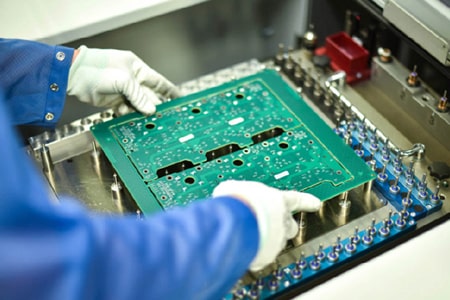
Gerber Files Checklist Before Sending to a PCBA Manufacturer
Gerber files are the manufacturing language of PCB fabrication. They define every layer, pad, trace, and hole required to produce your board.
Before sending files to a PCBA manufacturer, it's essential to verify that your Gerber package is complete and accurate.
1. Verify All Required Layers
Typical Gerber layers include:
- Top Copper
- Bottom Copper
- Inner Copper Layers
- Top Solder Mask
- Bottom Solder Mask
- Top Silkscreen
- Bottom Silkscreen
- Board Outline
Missing layers can halt production or lead to manufacturing errors.
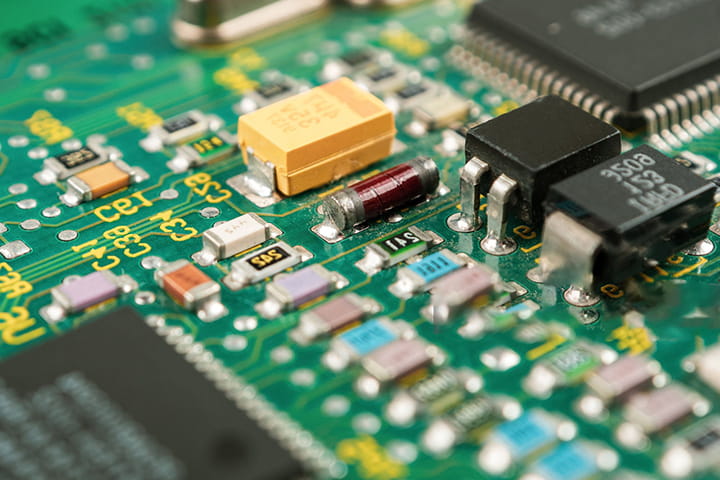
2. Include Drill Files
NC Drill files specify:
- Through holes
- Blind vias
- Buried vias
- Mounting holes
Always confirm drill files are exported correctly.
3. Check Board OutlineThe board outline determines the final PCB dimensions.
Verify:
- Overall dimensions
- Slots
- Cutouts
- Routing requirements
4. Review Gerbers Using a ViewerBefore submission, open the files using a Gerber viewer.
Look for:
- Missing copper areas
- Layer misalignment
- Text overlap
- Unexpected traces
Many design errors can be discovered in minutes during this review.
5. Confirm Silkscreen PlacementEnsure silkscreen markings:
- Are readable
- Do not overlap pads
- Clearly identify components
6. Attach Assembly FilesFor PCB assembly, Gerbers alone are not enough.
Also provide:
- BOM
- Pick-and-Place File
- Assembly Drawings
- Special Instructions
A thorough Gerber review prevents delays, reduces engineering questions, and helps ensure your PCB moves smoothly from design to production.

 Orders@pcbamake.com